
Price:
(as of – Details)
Product description
 System requirements Win 11 Win 10 Win 8.1 Win 7
PDF Director 3 PRO
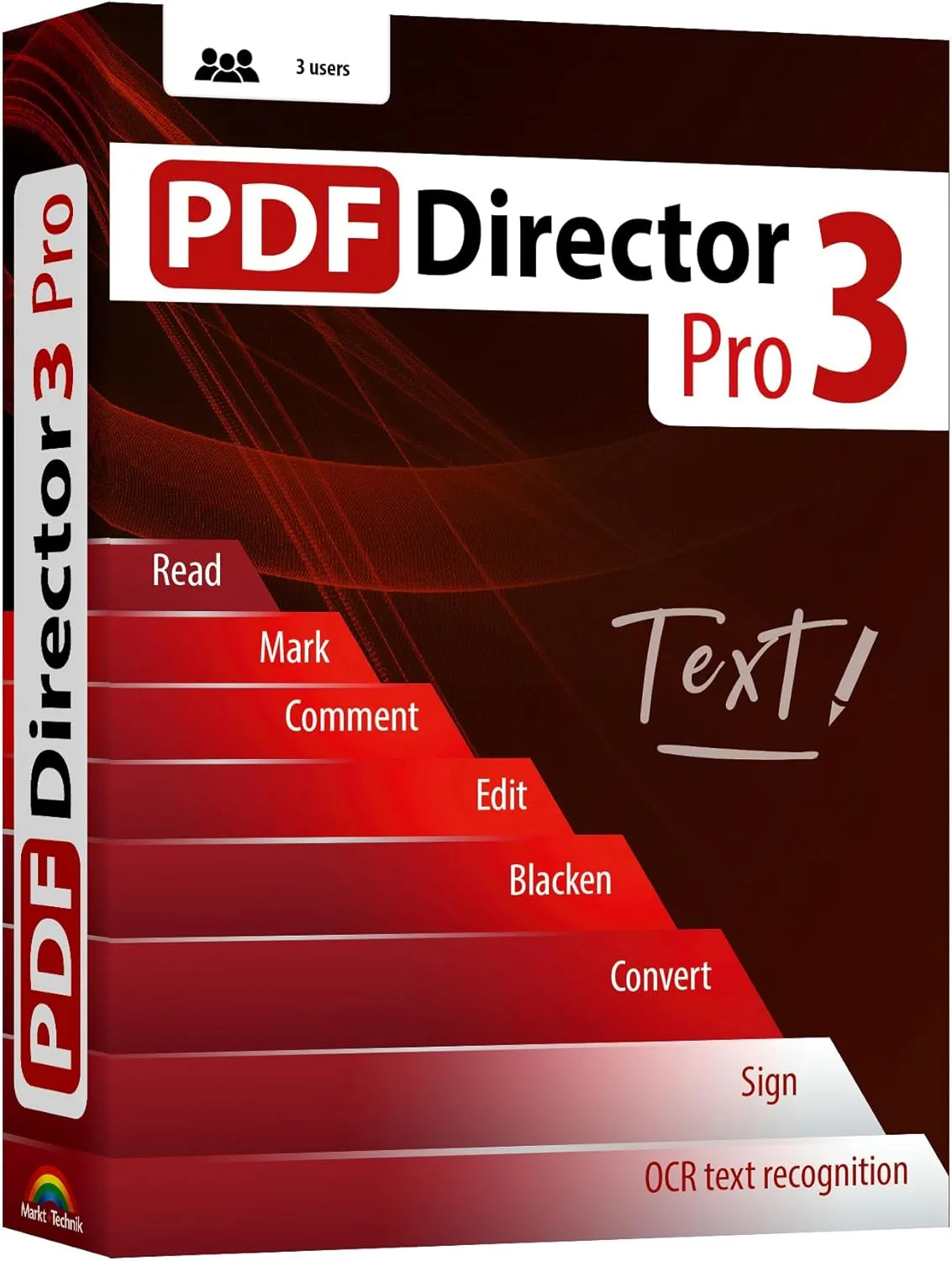
PDF Director 3 Pro is the complete solution for all your PDF document editing needs.
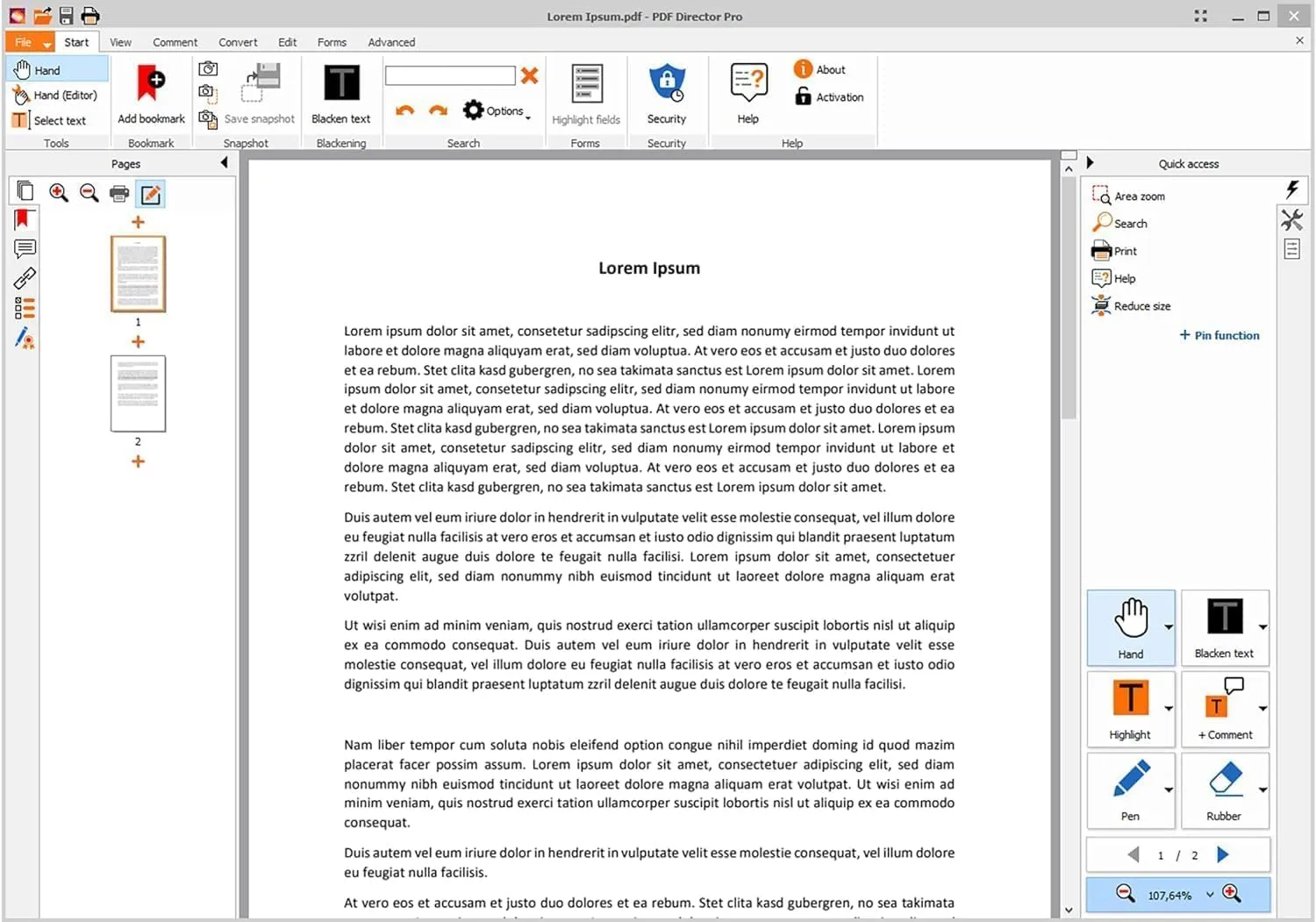
The software features a sleek and modern design, saving you time searching for key functions. Since PDF Director is fully compatible with Adobe Acrobat and other PDF tools, you can easily open and process almost any PDF file.
This program not only allows you to create new PDFs but also offers comprehensive modification of existing documents.
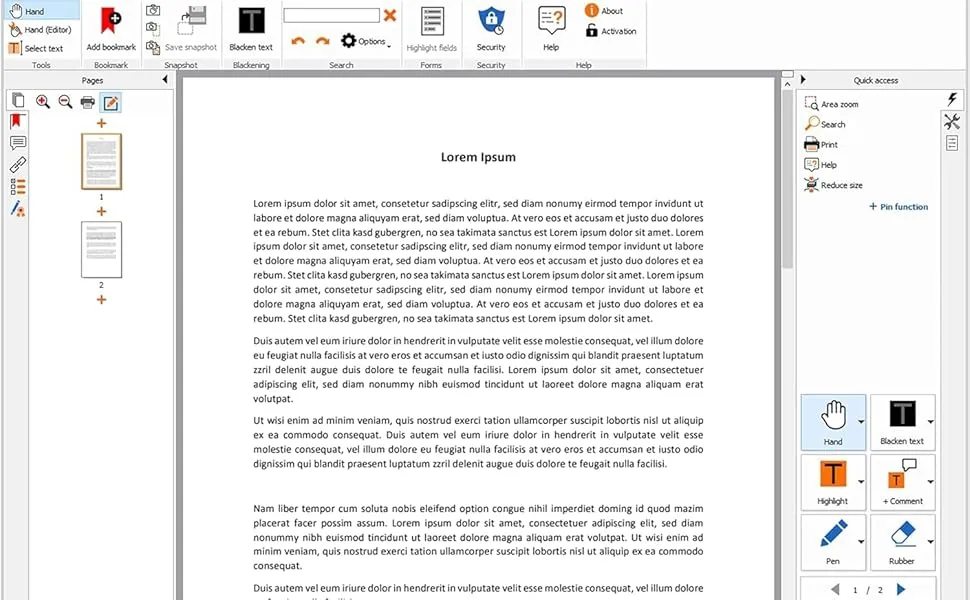
Edit text and images directly in the document. OCR 3.0 – Technology for text and image recognition in scanned documents. Convert PDF documents to Word, Excel, RTF, TXT, PNG, JPG, TIFF, and BMP. Highlight text passages, edit page structure. Split and merge PDFs, add bookmarks, sign documents Redact and secure, create interactive forms. License for 3 PCs – not time-limited. Included in box: Product KEY Card with download link and license keyCs – not time-limited.
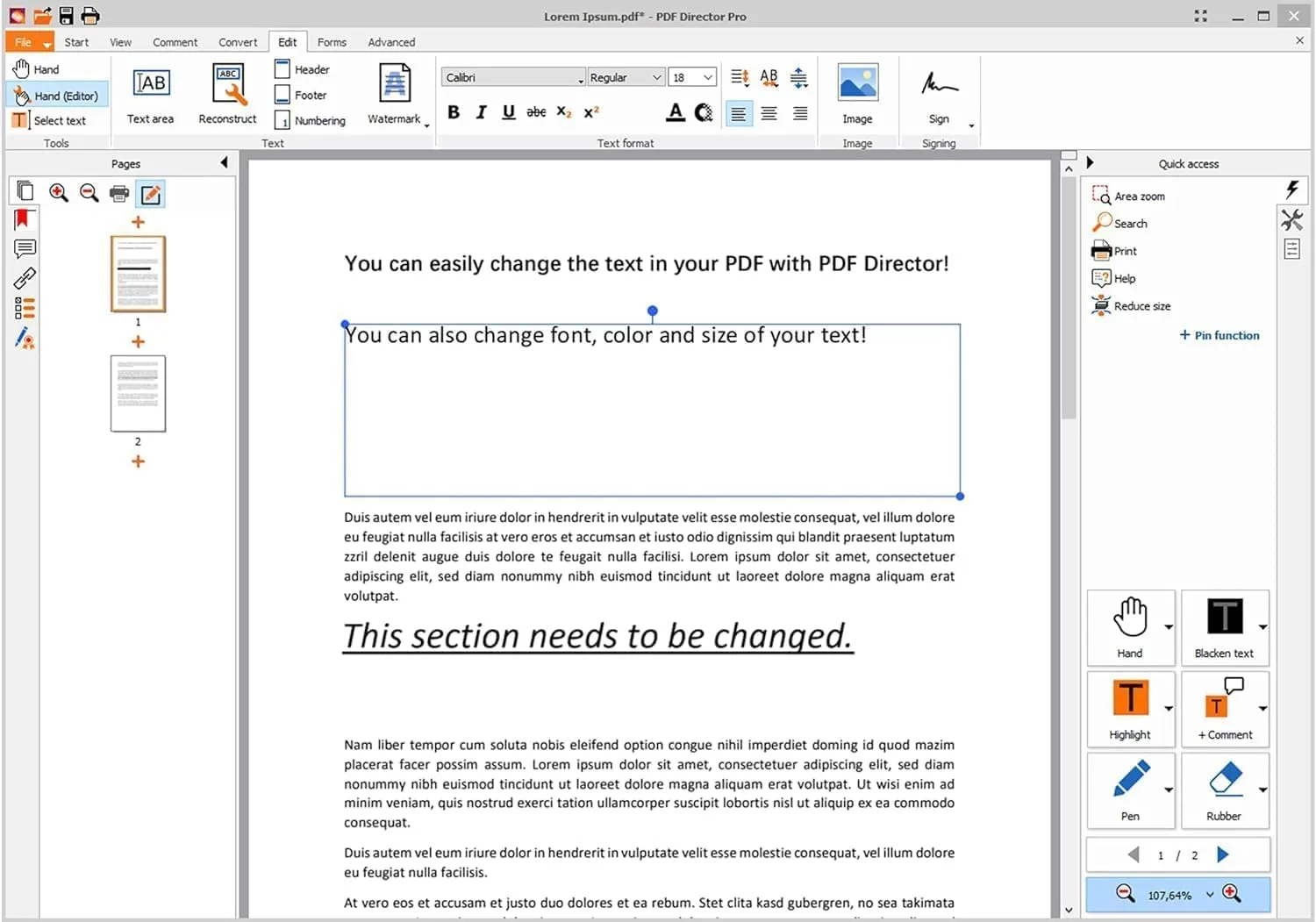
Edit text and images in existing PDF files!
Advanced OCR Engine 3.0: Even faster, more precise character recognition.OCR capture of images within a document.Conversion of image-based PDF files into text-based documents.Further development of existing functions.Even faster and more user-friendly.Over 100 small improvements in all areas.
Key Functions
You can add, delete, rotate, and rearrange pages. Number pages with Arabic or Roman numerals, which is particularly useful for creating academic papers.
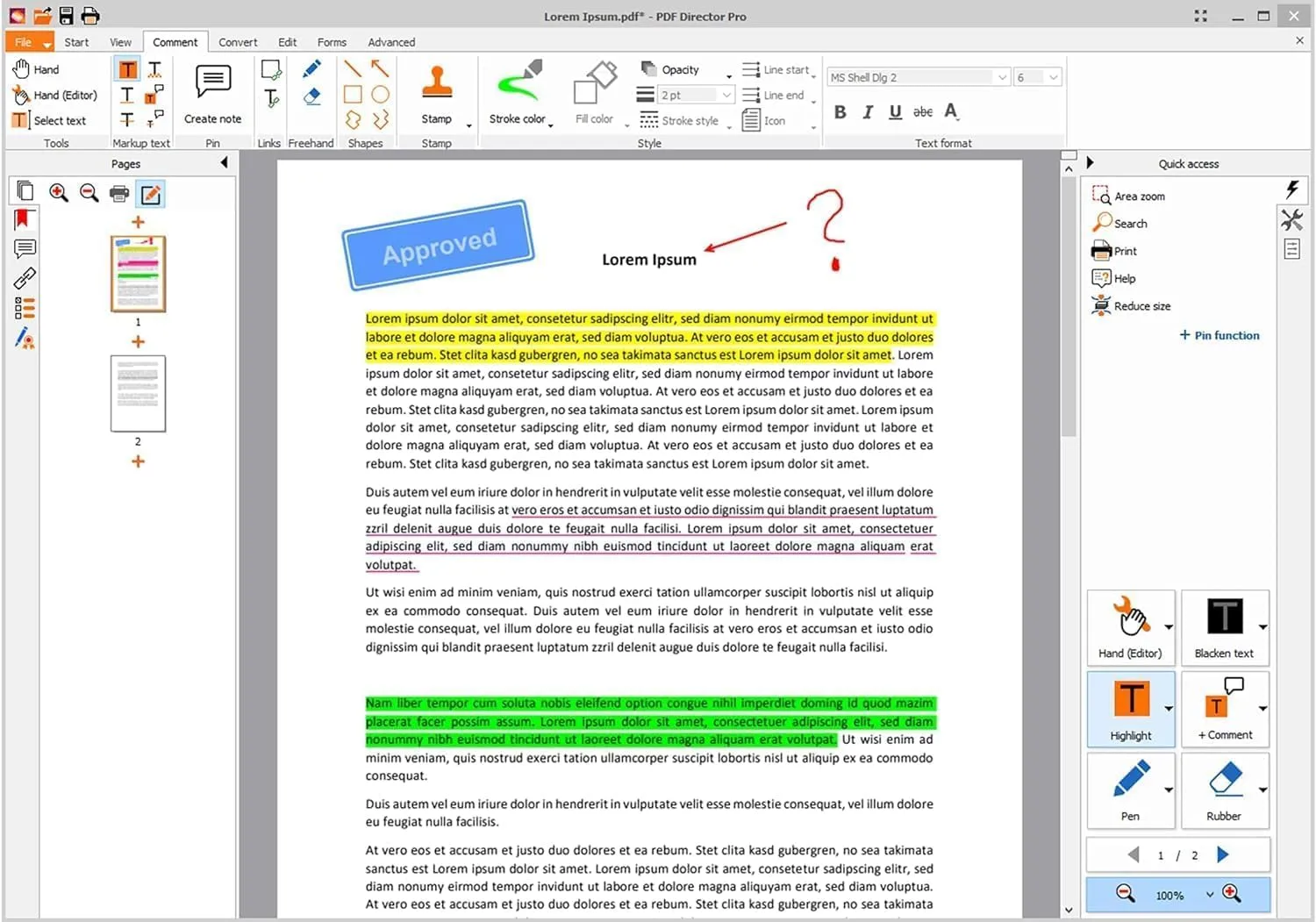
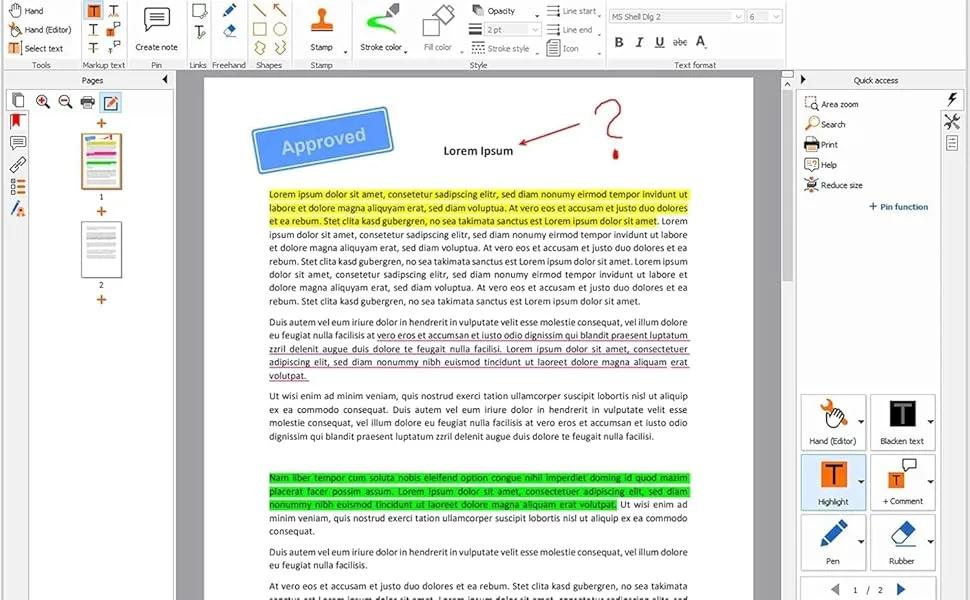
While reading your document, mark the most important parts with color and add comments or notes. Other users can then see which highlights originated from you.
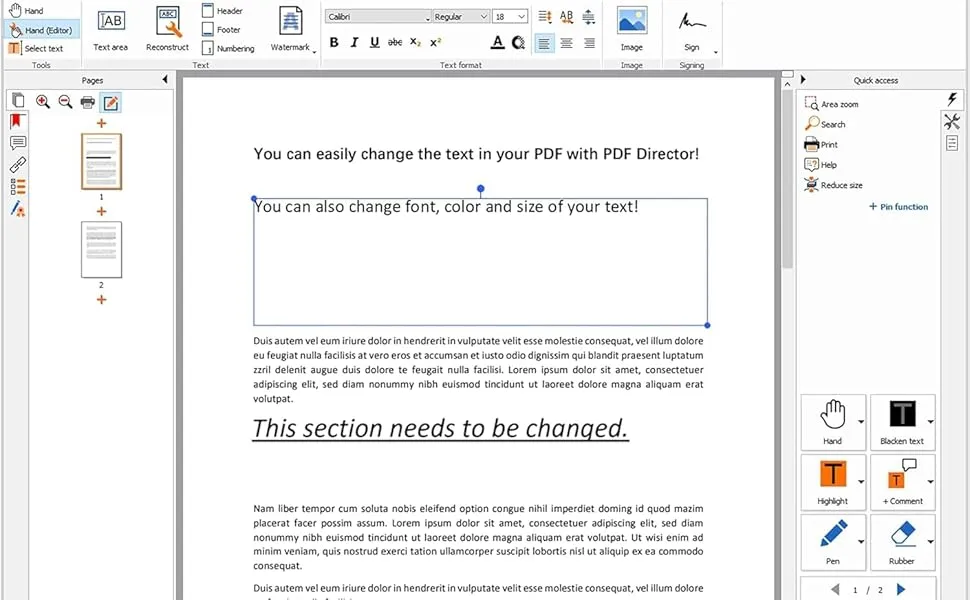
To change the content of a PDF file, you need a program like this. Editing is as easy as in a text editor. You can not only change text but also adjust images.
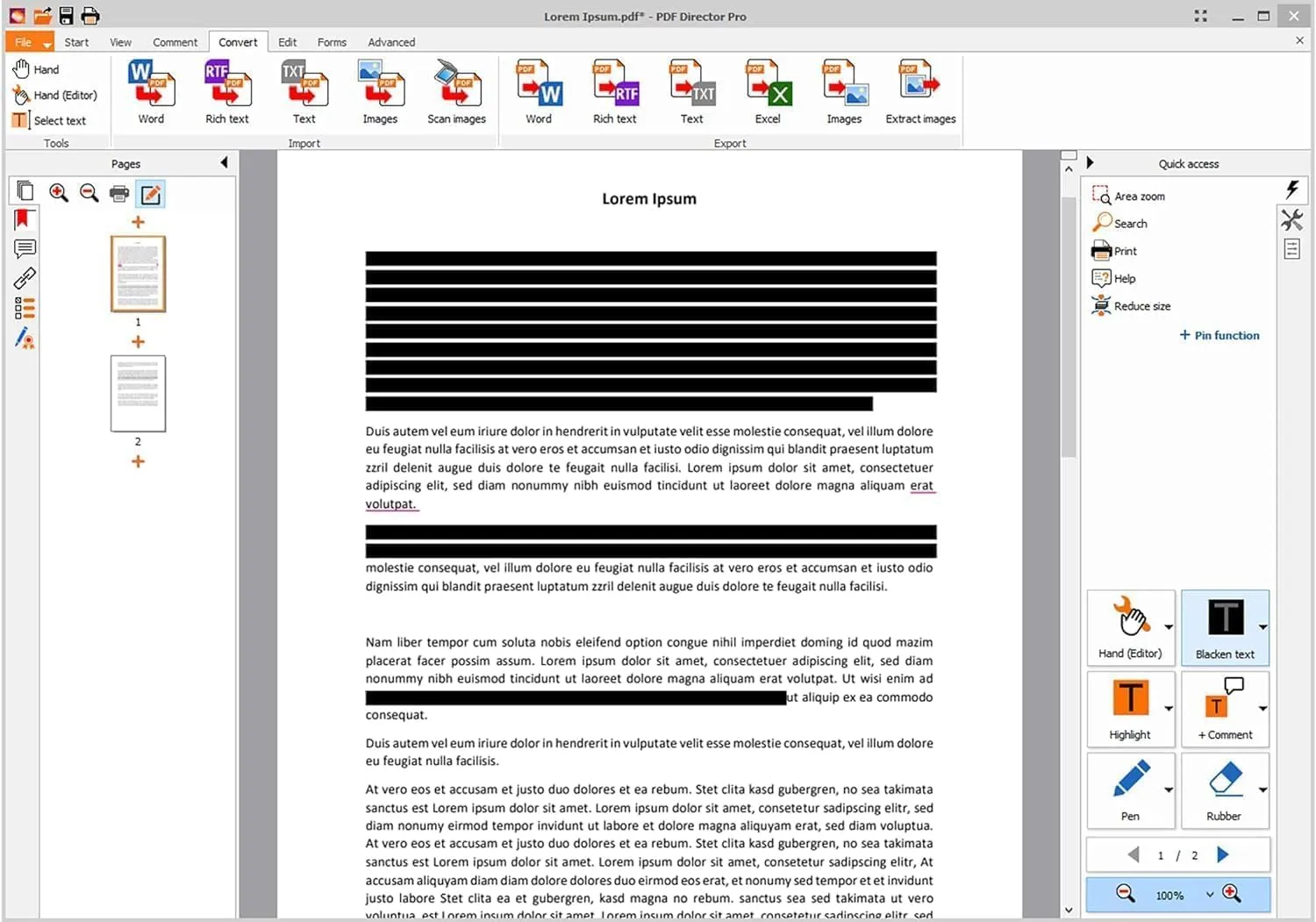
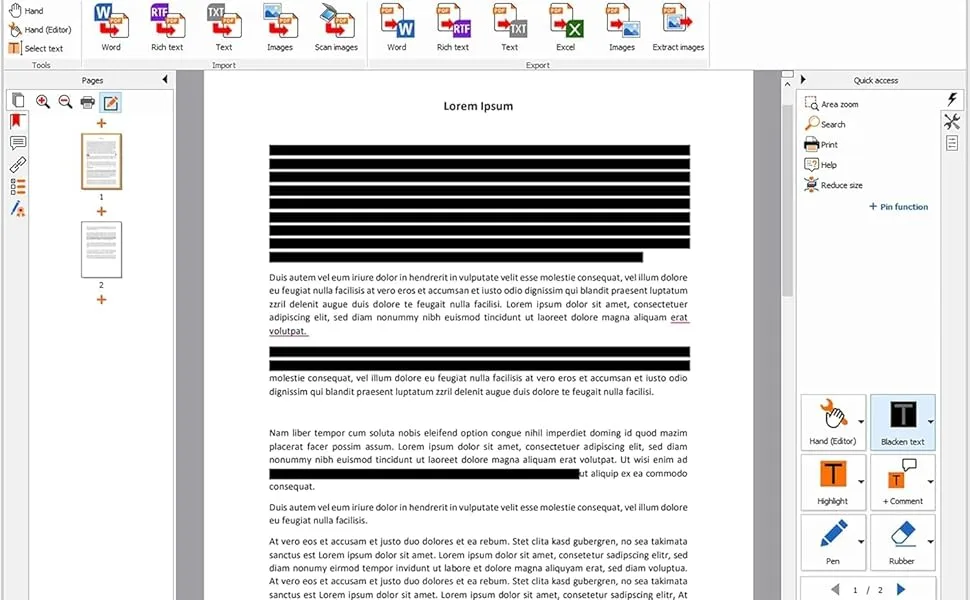
Before sending a document with confidential information, you can protect it with a password. Or you can make sensitive text passages unreadable with black color, which are guaranteed not to be deciphered.
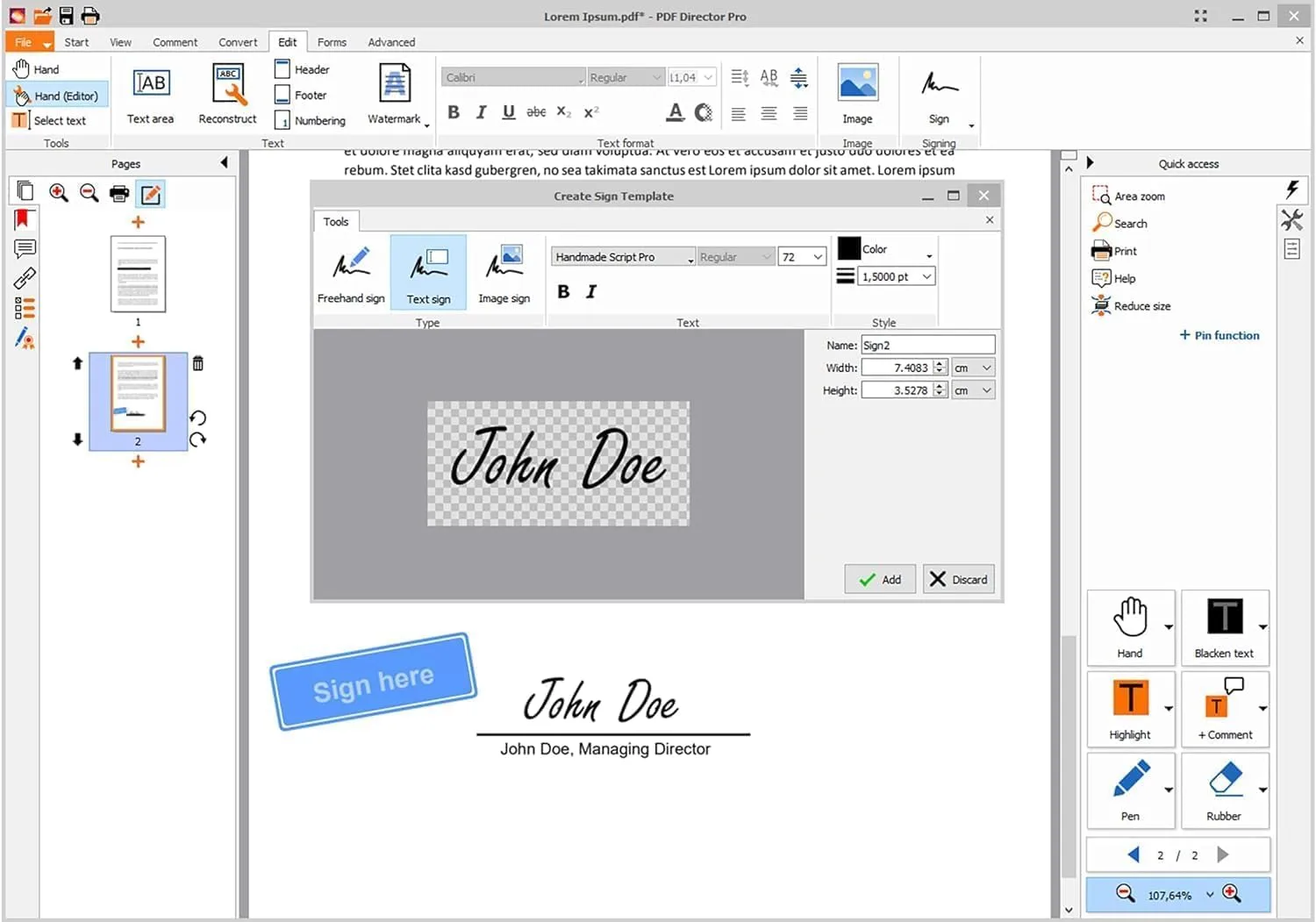
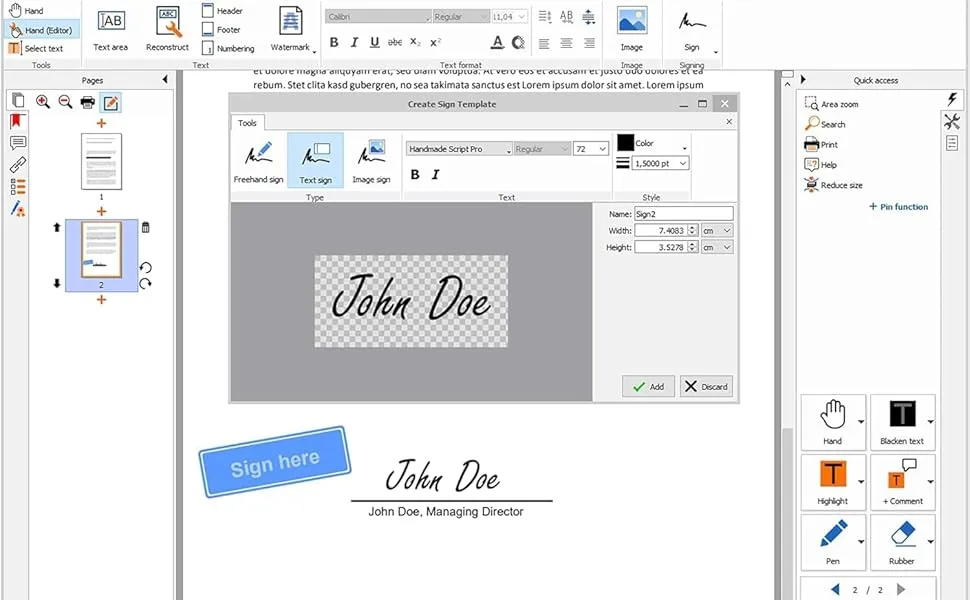
Sign contracts with your own handwriting without needing an additional program. Your documents can also be digitally signed with a signature or a timestamp.
More Functions
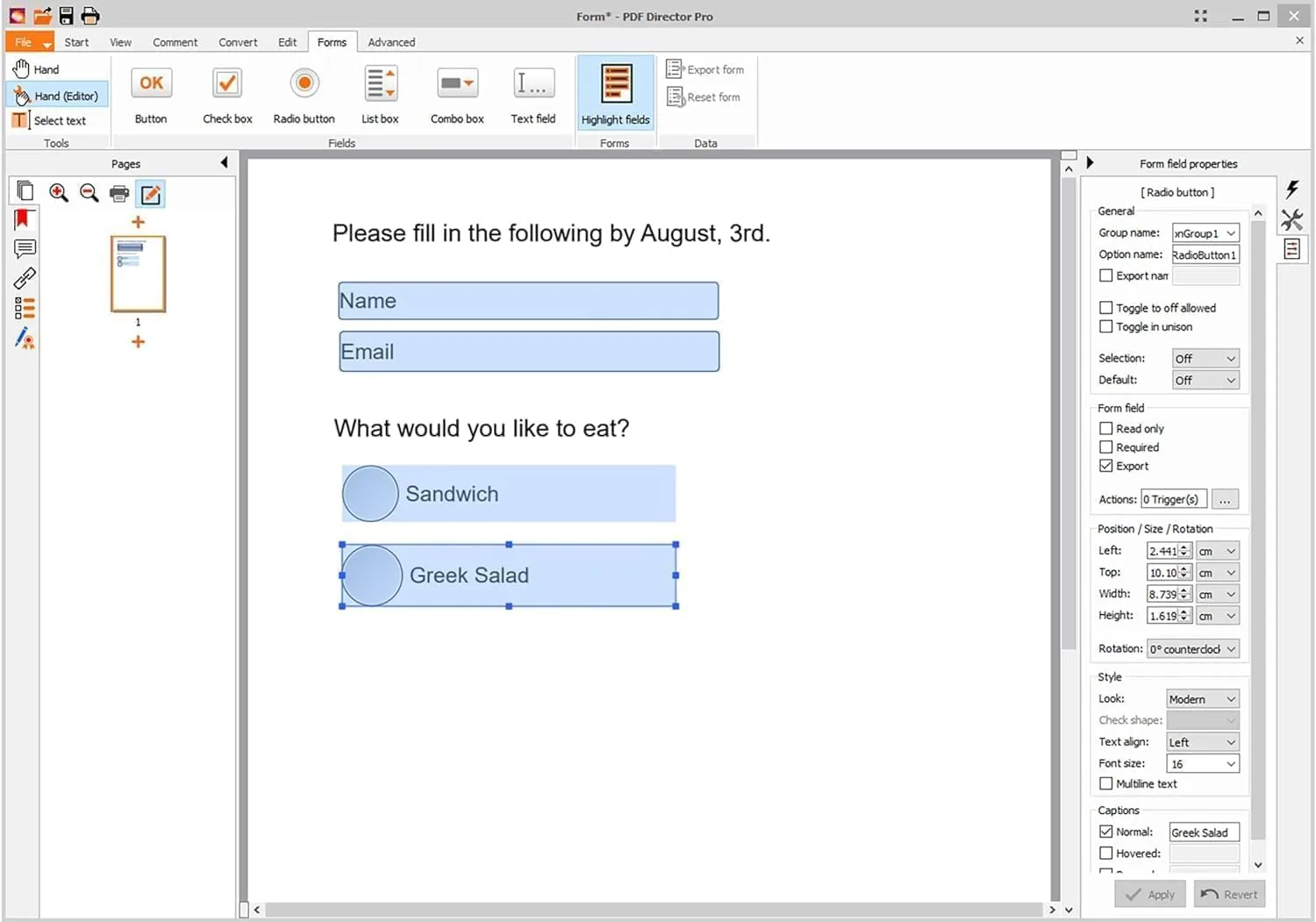
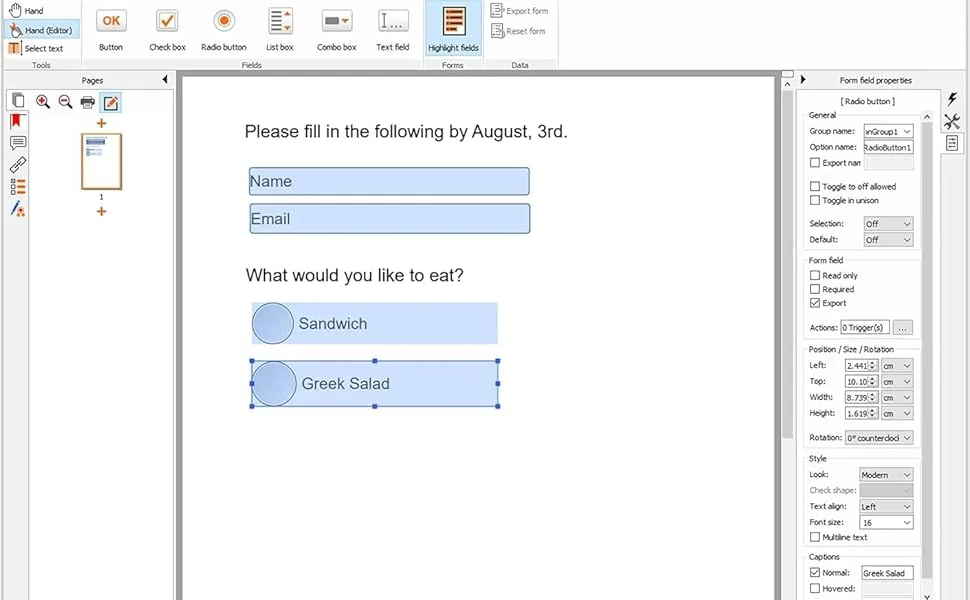
If you want to make a professional impression with your survey or registration form, you should create an interactive form with checkboxes etc. The recipients of the document can then fill out the form conveniently and reliably.
Just like in a printed book, bookmarks are helpful in a long PDF document to avoid losing track. To achieve even more structure, simply mark the chapter headings and automatically create a table of contents.
If you only want to send part of a document, simply split it into multiple segments. Or vice versa: easily combine multiple documents into one large document.
This is a problem you surely know. The PDF is too large and cannot be sent digitally. This software reduces any PDF file at the push of a button, for example, by reducing the resolution of the included images.
You can not only drag and drop Word or image files into the program to create PDFs, but also convert existing PDF files to Word, Excel, RTF, PNG, JPG, and other formats.
Reliably convert PDF files to Word, Excel, and other file formats!
You can not only drag and drop Word or image files into the program to create PDFs, but also convert existing PDF files to Word, Excel, RTF, PNG, JPG, and other formats.
Redact your PDF documents!
Before sending a document with confidential information, you can protect it with a password.
Or you can make sensitive text passages unreadable with black color, which are guaranteed not to be deciphered.
No matter what program you used to create your PDF file, PDF Director can open it. Files created or edited with PDF Director can also be processed by other PDF solutions.
Package Dimensions : 8.9 x 8.35 x 1.73 inches; 1.28 Pounds
Date First Available : July 14, 2025
Manufacturer : Markt+Technik
ASIN : B0FHHVFSXL
Best Sellers Rank: #259 in Software (See Top 100 in Software) #13 in Document Management (Software)
Customer Reviews: 3.5 3.5 out of 5 stars (19) var dpAcrHasRegisteredArcLinkClickAction; P.when(‘A’, ‘ready’).execute(function(A) { if (dpAcrHasRegisteredArcLinkClickAction !== true) { dpAcrHasRegisteredArcLinkClickAction = true; A.declarative( ‘acrLink-click-metrics’, ‘click’, { “allowLinkDefault”: true }, function (event) { if (window.ue) { ue.count(“acrLinkClickCount”, (ue.count(“acrLinkClickCount”) || 0) + 1); } } ); } }); P.when(‘A’, ‘cf’).execute(function(A) { A.declarative(‘acrStarsLink-click-metrics’, ‘click’, { “allowLinkDefault” : true }, function(event){ if(window.ue) { ue.count(“acrStarsLinkWithPopoverClickCount”, (ue.count(“acrStarsLinkWithPopoverClickCount”) || 0) + 1); } }); });
Edit text and images directly in the document.
Convert PDF to Word and Excel.
OCR technology for recognizing scanned documents.
Highlight text passages, edit page structure.
Split and merge PDFs, add bookmarks.
License for 3 PCs – not time-limited.
Included in box: Product KEY Card with download link and license key

